

Filter and bulk-archive feedback in the dashboard
The dashboard now has the two things that make a long feedback list usable: filters and bulk actions.
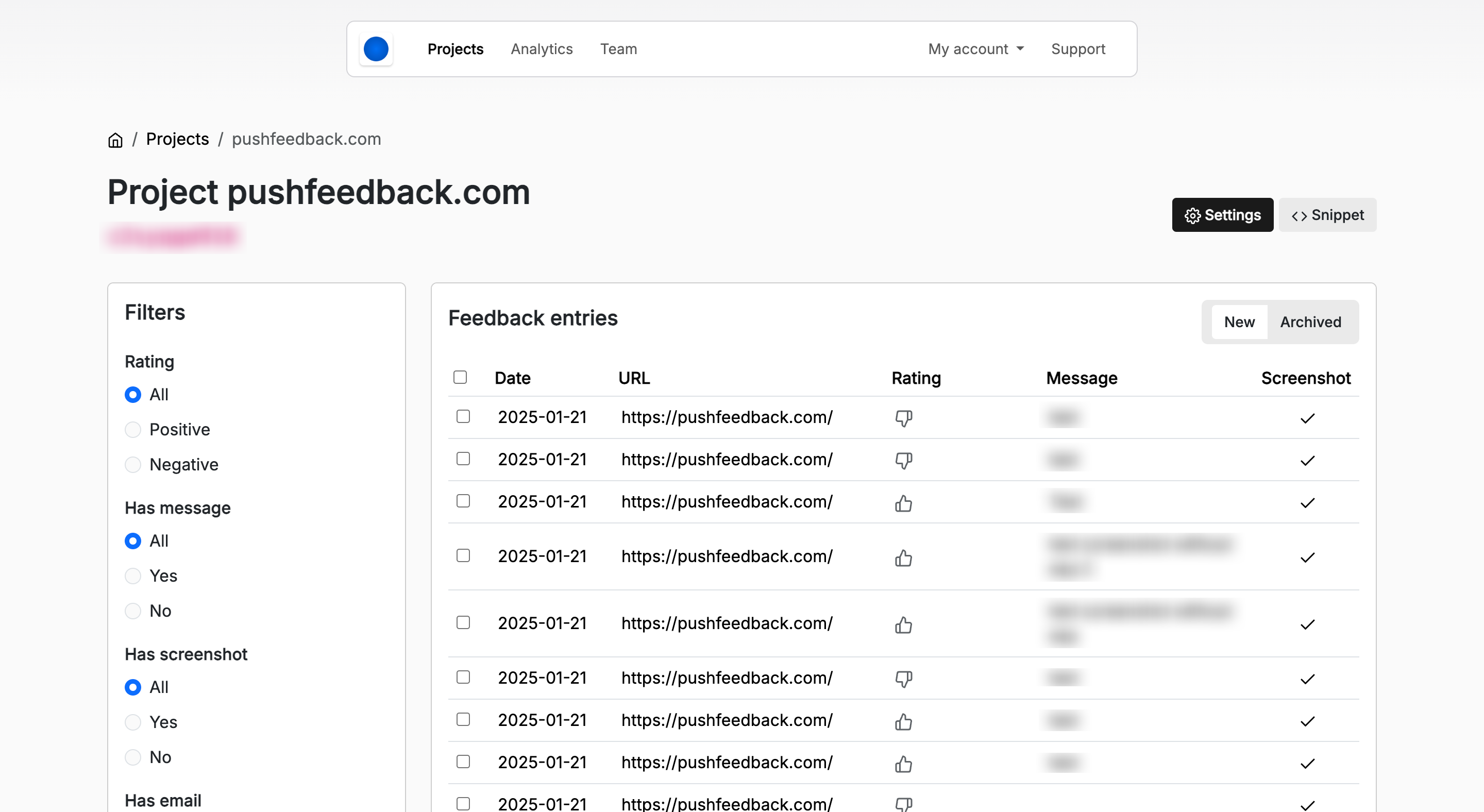
- Filter out ratings with no message, so you only read the entries that have something in them.
- Select many entries at once to archive or organize them.
- See which entries carry a message or a screenshot without opening each one.
These were the most requested changes to the dashboard, and they should have been there sooner.
Log in to your account to use them. The feedback management tool covers the rest of the workflow.