

Add PushFeedback to WordPress with the official plugin
PushFeedback is now available as an official WordPress plugin.
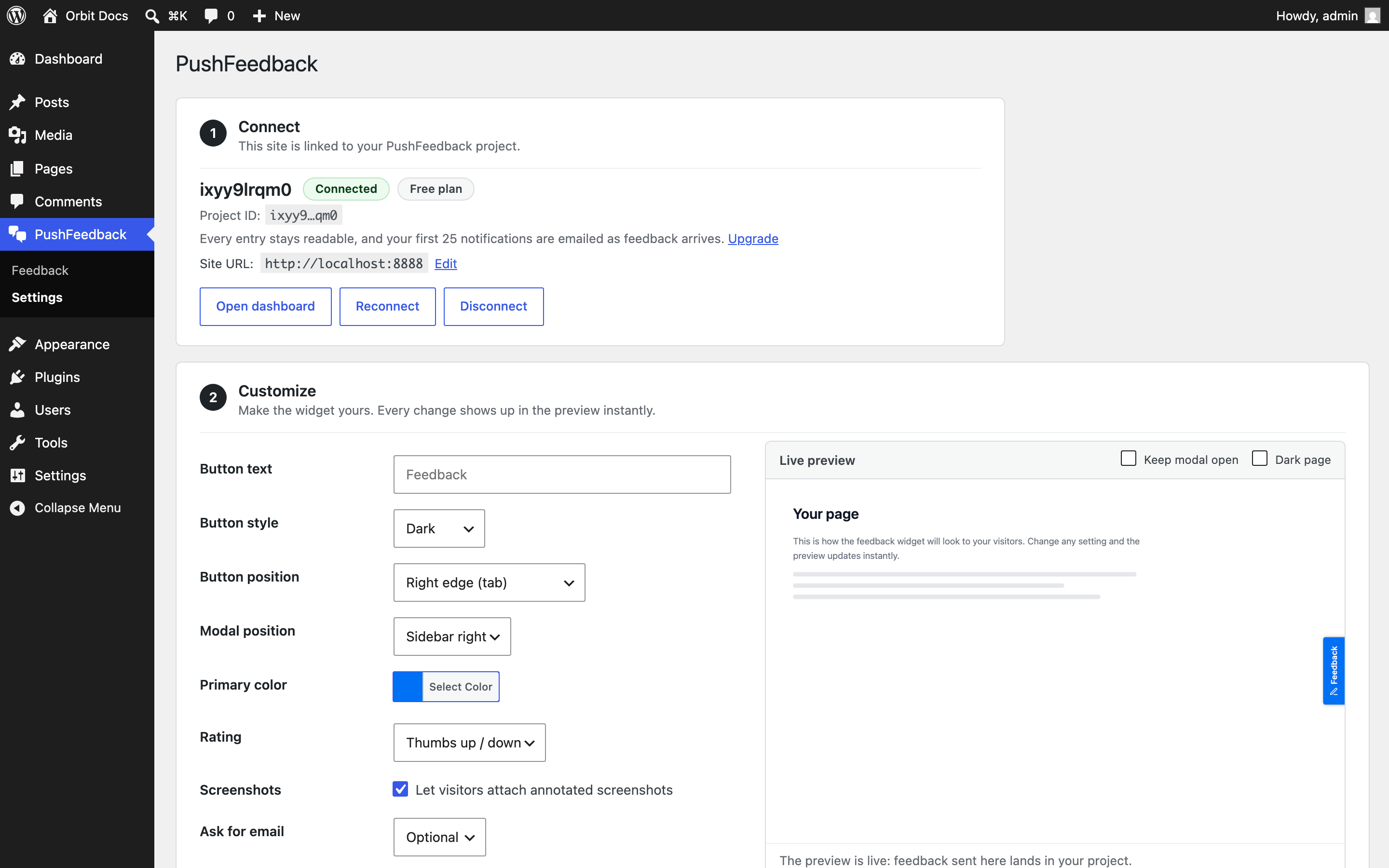
Install it from Plugins > Add New, then open PushFeedback in wp-admin to connect a project. The plugin can create an account and project during setup, or connect an existing project with its project ID.
Once connected, the feedback button is live on your site. Configure its appearance and placement from wp-admin, read recent feedback there, or add the widget inside a page or post with the [pushfeedback] shortcode.
The WordPress installation guide walks through the setup and configuration options.