

How to use a ‘was this page helpful?’ widget in docs
Use a page-helpfulness widget to find documentation that needs attention, then collect optional context about what the reader was trying to do.
A “Was this page helpful?” widget gives readers a quick way to tell you when a documentation page worked or fell short.
The rating helps you identify pages worth reviewing. An optional comment can tell you what the reader was trying to do and where they got stuck.
Keep the interaction simple. Start with the rating, then ask for more context only when the reader wants to provide it.
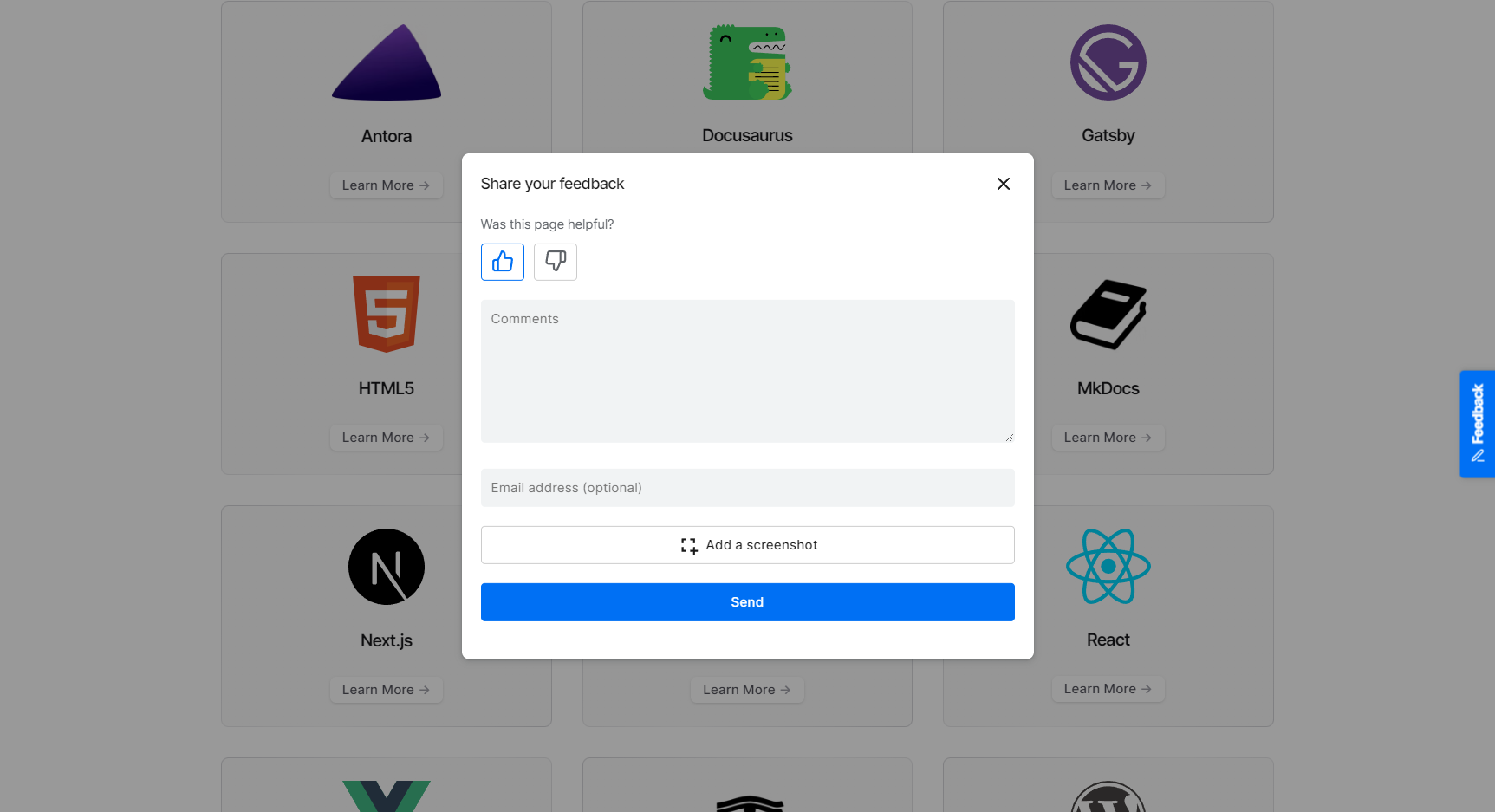
Ask one quick question first
Start with a simple page-level prompt:
Was this page helpful?
Do not require a written explanation before the reader can submit the rating.
For a negative response, offer an optional follow-up such as:
What were you trying to do, and where did this page stop helping?
That wording asks about the reader’s task without expecting them to diagnose whether the problem belongs to the documentation, product, or something else.
Choose the placement based on the page
Where you place the feedback control changes the kind of feedback you are likely to collect.
| Placement | Useful when |
|---|---|
| Inline prompt | You want to know whether a guide or tutorial helped the reader complete the task |
| Floating control | Readers may need to report a problem anywhere on a long reference or documentation page |
| Both | You want a quick end-of-page rating plus a way to report problems while reading |
An inline prompt works naturally after a task-oriented guide because the reader has reached a point where they can judge whether the page helped.
A floating control is more useful on long reference pages, where the problem may appear halfway through the content.
Use the layout documentation and embedded-mode guide for current implementation options.
Keep the follow-up optional
A required comment can reduce the number of readers willing to leave a quick rating.
Let readers submit the helpfulness vote first. Then give them the option to add:
- a short comment
- an email address if they want a reply
- a screenshot when visual context matters
PushFeedback keeps the feedback connected to the page where it was submitted, so the team can review the rating together with any additional context the reader provides.
For many reports, a short comment is enough. Screenshots are most useful when the reader needs to point to a specific code block, diagram, table, screenshot, or layout problem.
Review the page before deciding what to fix
A negative rating tells you where to look, not automatically what to change.
Read the page and the reader’s comment together.
| What you find | What to investigate |
|---|---|
| A prerequisite, example, or explanation is missing | Update the documentation |
| The page is accurate but difficult to understand | Improve wording, structure, or examples |
| The documented flow conflicts with current product behavior | Verify the product before rewriting the page |
| Several readers report the same problem | Prioritise the page or task for a closer review |
| The report is too vague to act on | Keep it for later review and look for repeated feedback |
For example, a reader may report that an OAuth scope is missing. Before editing the page, confirm which scope the product actually requires.
PushFeedback feedback management lets teams read, filter, archive, and export reports while reviewing what needs attention.
For the broader workflow, see how to collect and use documentation feedback.
Look for patterns across feedback
One negative rating may identify a real problem, but repeated feedback can make prioritisation easier.
Look for patterns such as:
- several readers missing the same prerequisite
- repeated confusion around the same term
- multiple reports about one example
- the same task appearing in comments across several pages
- negative feedback after a product or documentation change
Do not prioritise only by volume. One report about an incorrect or risky procedure may deserve attention immediately.
Use frequency together with the importance of the task and the clarity of the evidence.
Frequently asked questions
What should a “was this page helpful?” widget ask?
Start with a simple helpfulness question. After a negative response, offer an optional follow-up asking what the reader was trying to do and where the page stopped helping.
Should a helpfulness widget require a comment?
No. Keep the rating easy to submit and make the comment optional. Readers who want to explain the problem can add more context without forcing everyone through a longer form.
When should a docs team offer screenshots?
Offer screenshots when visual context makes the problem easier to understand, such as a confusing code block, diagram, table, screenshot, or layout issue.
Where should the widget appear?
Use an inline prompt when the reader can judge the page after completing a guide or tutorial. Use a floating control when readers may need to report a problem while they are still reading.
What should we do with negative ratings that have no comment?
Keep them as a page-level signal. Review them alongside later ratings, comments, and repeated reports before deciding whether the page needs work.
Start with one page
Choose one documentation page where reader feedback would help you make a real decision.
Add a simple helpfulness prompt, keep the follow-up optional, and review the ratings together with any comments or screenshots readers provide.
Create a PushFeedback project to test the widget on your documentation.